Transform Your Phone into a Live Football Command Center
For dedicated players of EA Sports FC 26's Ultimate Team mode, matchdays can be a juggling act. You're trying to play your own virtual games, monitor transfer market fluctuations, follow your favorite real-world team on television, and keep tabs on scores across the league simultaneously.
This often leads to a frustrating cycle of switching between your TV stream and phone, frantically searching social media for match updates, and then realizing you've missed a crucial goal due to the distraction.
You don't need an elaborate multi-monitor setup to overcome this. With some strategic organization, your smartphone or tablet can become a powerful, live-tracking second screen. By integrating the official EA FC companion app with real-time match statistics, you can effectively engage with both virtual and real-world football action at the same time.
Here's how to build your personal football command center:
Streamline Your Screen Setup
A complex desk arrangement isn't necessary. The key is to position your devices for easy access without constant fumbling during gameplay. Dedicate your main screen (TV, console, or PC monitor) solely to the matches themselves, whether it's a live Premier League broadcast or your own Weekend League games. Your smartphone or tablet will serve as your "second screen." A simple phone stand or a stable prop will suffice to place it near your primary display.
Before launching any applications, adjust your device's display settings to disable "auto-lock" or set the screen timeout to "Never." It's incredibly disruptive to have your screen go dark during a critical play, forcing you to unlock it while missing a crucial moment.
Leverage the EA FC Companion App
The official EA FC Companion App is indispensable for maximizing your in-game coin gains during live matches. Since real-world player performances directly influence their virtual card values in the transfer market, having this app readily accessible offers a significant advantage.
Log into the companion app and head directly to the Transfer Market section. If a real-life player scores multiple goals or receives a red card, their virtual card price can change drastically within seconds. With the app open and ready, you can quickly acquire undervalued player cards or list your own at a premium before other players catch on to the market shift.
Integrate Low-Latency Live Statistics
To complement what you're observing on TV, you'll need a fast, data-rich application that provides real-time pitch statistics. Standard sports news websites often suffer from delays of several minutes. Instead, opt for specialized analytical apps like FotMob or Sofascore.
If you're using a tablet or iPad, utilize the split-screen multitasking feature. Position the EA FC Companion App on one side of the screen and your live statistics app on the other.
For smartphone users, enable aggressive push notifications specifically for the matches you're following. This ensures you receive an immediate vibration alert the moment a card is shown or a VAR review begins, giving you a head start to react on your transfer market app.
Translate Live Stats into Informed Predictions
For many fans, analyzing real-world match patterns goes beyond simply upgrading their virtual teams; it's an opportunity to test their football knowledge against betting odds. When you notice a real-world team consistently dominating possession or exploiting a weaker defender, these live statistical trends provide invaluable insights for in-play betting.
If you wish to back your live analysis with real wagers, keeping a sports betting platform open alongside your companion app is an excellent way to stay engaged. To optimize your bankroll when setting up a new account, be sure to look for and apply any available bonus code promotions on reputable sports betting sites. These introductory codes can provide benefits such as matched deposits, free bets, or risk-free wagers. Having these promotional funds available allows you to immediately place bets on your real-time predictions the moment you observe a tactical shift on the pitch.
Achieve Seamless Matchday Coordination
Once configured, operating this setup becomes remarkably straightforward.
Your television displays the live broadcast in full screen. Your tablet rests below it, showcasing live player heatmaps on one half of the screen and the EA FC Transfer Market on the other. Your phone remains nearby, ready to place a quick live bet using your active bonus code promotions when the statistics strongly favor a particular outcome.
With this arrangement, you're no longer a passive observer of the game. You're actively monitoring data, managing your virtual club, and making strategic plays in real-time, all without ever needing to pause the action.
How to Turn Your Phone into a Live Football Command Center
If you are currently building a football Ultimate Team in EA Sports FC 26, you already know how exhausting matchdays can get. You are trying to play your own matches, check transfer market prices, watch your favourite real-world club on TV, and keep up with live scores across the league all at once.
It usually turns into a chaotic loop of minimizing your TV stream, unlocking your phone, and scrolling through social media to find out why a match is paused, only to look up and realize you just missed a goal.
You don’t need a massive wall of monitors to fix this. With a little bit of organization, you can turn your smartphone or tablet into a dedicated, live-tracking second screen. By syncing the official EA FC companion app alongside real-time match data, you can keep your head in both the virtual and physical games at the exact same time.
Here is how to set up your own football command center.
Set Up Your Screens (Keep it Simple)
You do not need a complicated desk setup to make this work. You just need to arrange your devices so you aren’t constantly fumbling with them mid-match. Keep your television, console, or computer monitor dedicated entirely to the matches themselves – whether that is a live Premier League stream or your own Weekend League games. Your smartphone or tablet is going to act as your “second screen.” Grab a cheap phone stand or find a spot to prop it up right below your main screen.
Before you launch any apps, open your device’s display settings and turn off “auto-lock” or set the screen timeout to “Never.” There is nothing more frustrating than having your screen go black right during a fast break, forcing you to mess around with passcodes or FaceID while a crucial play unfolds.
Keep the EA FC Companion App Armed
The official EA FC Companion App is an absolute must-have if you want to make coins during live games. Because real-world performance directly affects the virtual transfer market, keeping this app open next to you is a major advantage.
Log in to the companion app and navigate straight to the Transfer Market tab. If a real-life player scores a quick brace or picks up an early red card, their virtual card value will shift wildly in a matter of seconds. Having your app open and ready to go allows you to buy up cheap cards or list yours for a premium before the rest of the community even realizes what happened.
Layer on Low-Latency Live Stats
To back up what you are seeing with your own eyes on TV, you need a fast, data-heavy app that tracks real-world pitch statistics. Standard sports news websites are usually too slow and delayed by several minutes. Instead, download specialized analytical apps like FotMob or Sofascore.
If you are using an iPad or a tablet, take advantage of the split-screen multitasking feature. Put the EA FC Companion App on the left side of the screen, and your live stats app on the right.
If you are using a phone, turn on aggressive push notifications specifically for the games you are watching. This way, you get an instant vibration alert the second a card is shown, or a VAR check begins, giving you a head start to react on your transfer market app.
Turn Live Stats into Real Predictions
For a lot of fans, analyzing real-world match patterns isn’t just about upgrading a virtual midfield – it is about testing your football IQ against the actual bookmakers. When you notice a real-world team heavily dominating possession or exploiting a struggling defender, those live statistical trends are incredibly valuable indicators for in-play wagers.
If you want to back your live analysis with real stakes, keeping a sportsbook tab open alongside your companion app is a great way to stay involved. To get the most out of your bankroll when setting up a new profile, make sure to search for and apply active bonus code promos on trusted sports betting platforms. These sign-up codes can secure you matched deposits, free bets, or risk-free live wagers. Having those promo funds loaded up means you can instantly back your real-time predictions the moment you spot a tactical shift on the pitch.
The Perfect Matchday Flow
Once everything is configured, your setup is incredibly simple to run.
Your TV has the live broadcast running in full screen. Your tablet sits right below it, running live player heatmaps on one half of the screen and the EA FC Transfer Market on the other. Your phone sits nearby, ready to place a quick live bet using your active bonus code promos when the statistics tilt heavily in one direction.
With this setup, you aren’t just passively watching the game anymore. You are actively tracking the data, managing your virtual club, and making calculated plays on the fly – all without ever having to press pause.
Fresh materials — Gaming News
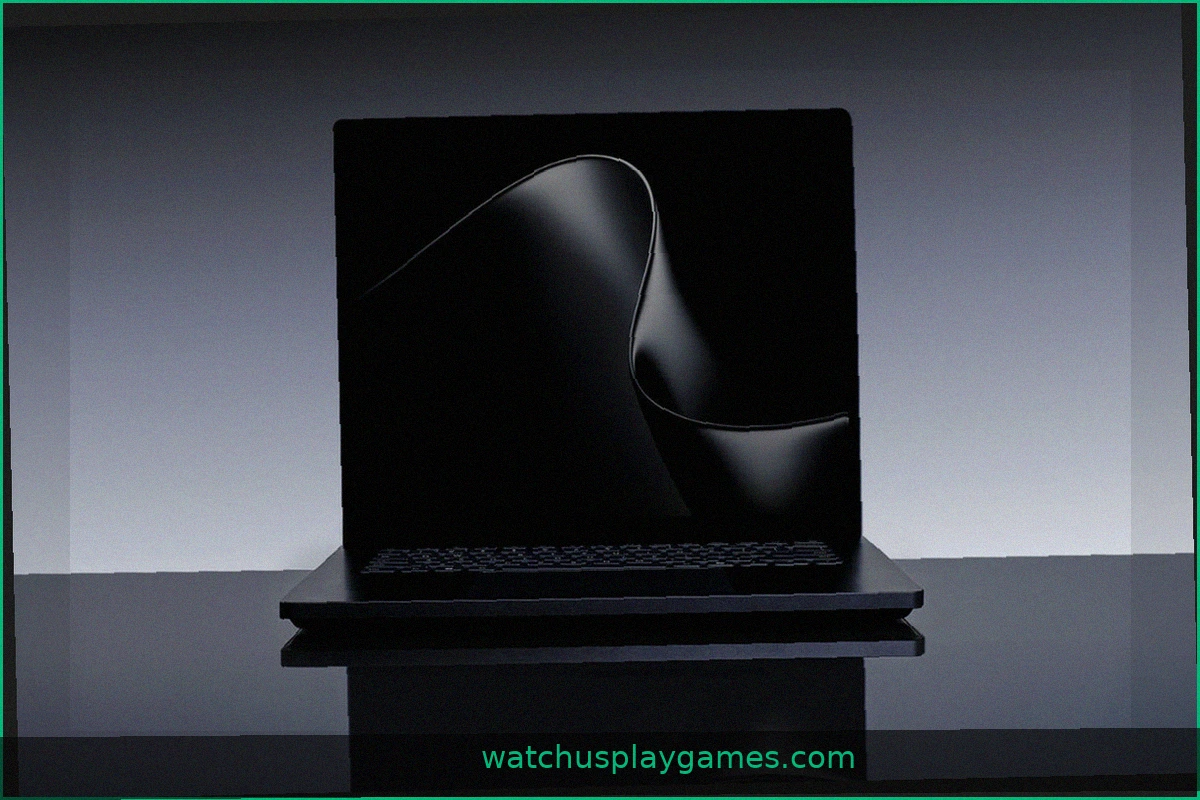
Microsoft Surface Laptop Ultra Integrates NVIDIA RTX Spark for AI Performance
Microsoft unveiled its latest Surface hardware, designed for the AI era. The new Surface Laptop Ultra and Surface RTX Spark Dev Box utilize NVIDIA's RTX Spark platform, large unified memory, and Microsoft's design principles. The Surface Laptop Ultra, a laptop,

Top 5 Underlooked Cards from Magic: The Gathering Reality Fracture for Commander Decks
As Magic: The Gathering players anticipate the Reality Fracture release, here are five essential cards to consider for your Commander decks that can turn the tide of a game. This set introduces Hexhaven, a distorted version of Strixhaven, featuring new takes on popular characters and comp

GUNNAR Optiks: Top Releases for 2026
GUNNAR Optiks has solidified its position beyond simple desk accessories, evolving its blue-light glasses into a robust collection for 2026. Initially designed to reduce eye strain during extended monitor use, the brand now offers a range balancing popular fandoms with everyday st

The Future of Consumer Tech: What Matters Now
New gadgets constantly promise to revolutionize our lives, but few deliver. Looking closer, a clearer picture emerges: the technology we use daily is becoming more personal, portable, and easier to operate. Here’s what's truly driving change. Devices That Truly Know You Our devices ha
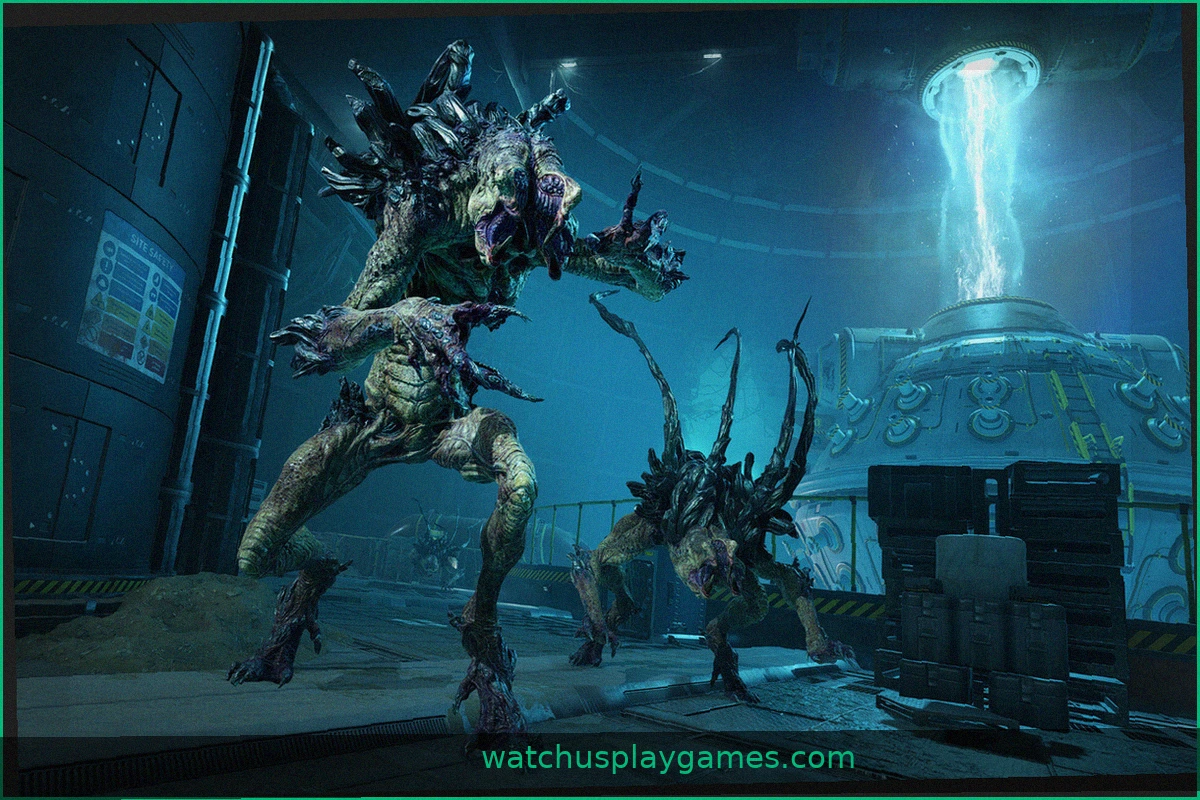
Alien Deathstorm: Gamescom 2026 Preview— Thirty Minutes of Pure Tension
At gamescom 2026, Rebellion’s upcoming title Alien Deathstorm delivered a surprisingly strong experience. The demo provided a compelling glimpse into the game, immediately drawing players in. Based on the current development, anticipation for its release is high. Alien Deathstorm shows promise
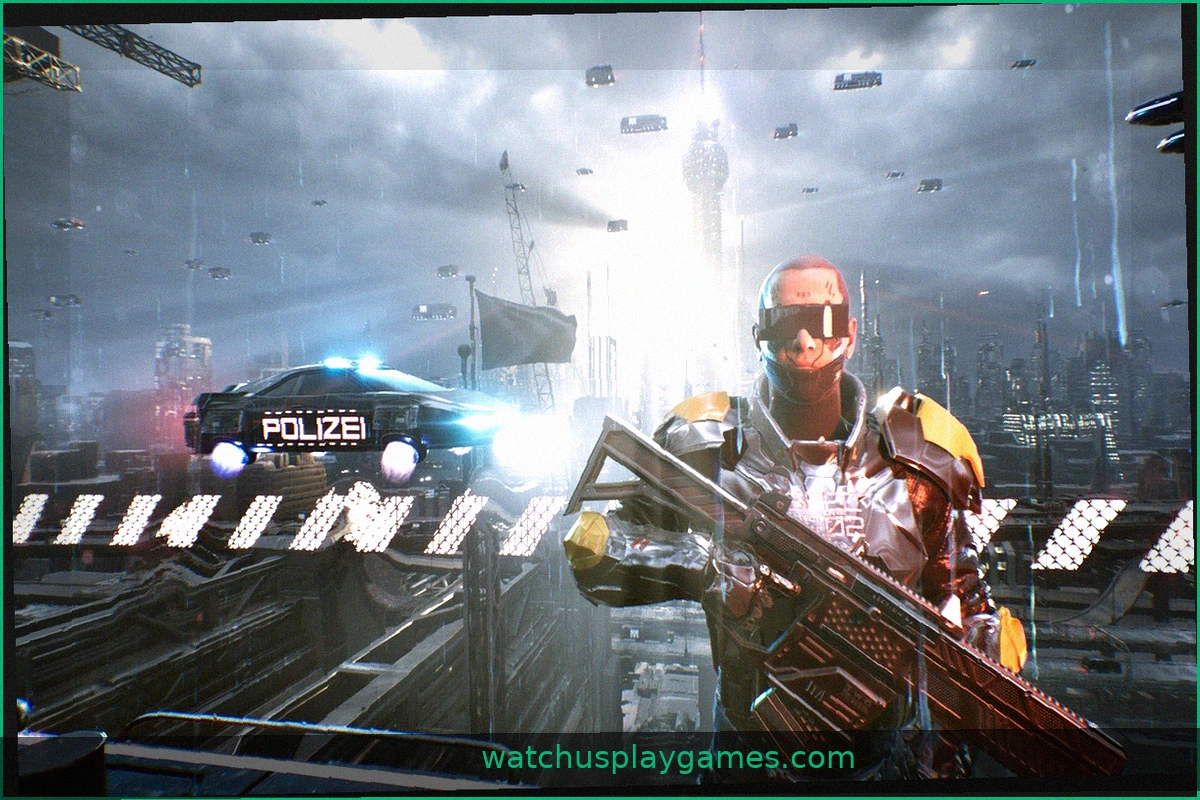
Gamescom 2026: NEO BERLIN 2087—An Indie Game with AAA Visuals
At Gamescom 2026, Elysium Game Studio presented NEO BERLIN 2087, a title slated for a 2028 release. A 30-minute playthrough offered a glimpse into the game's mechanics and combat, leaving a strong impression. The game's visual design is immediately striking. Futuristic environments are rend