
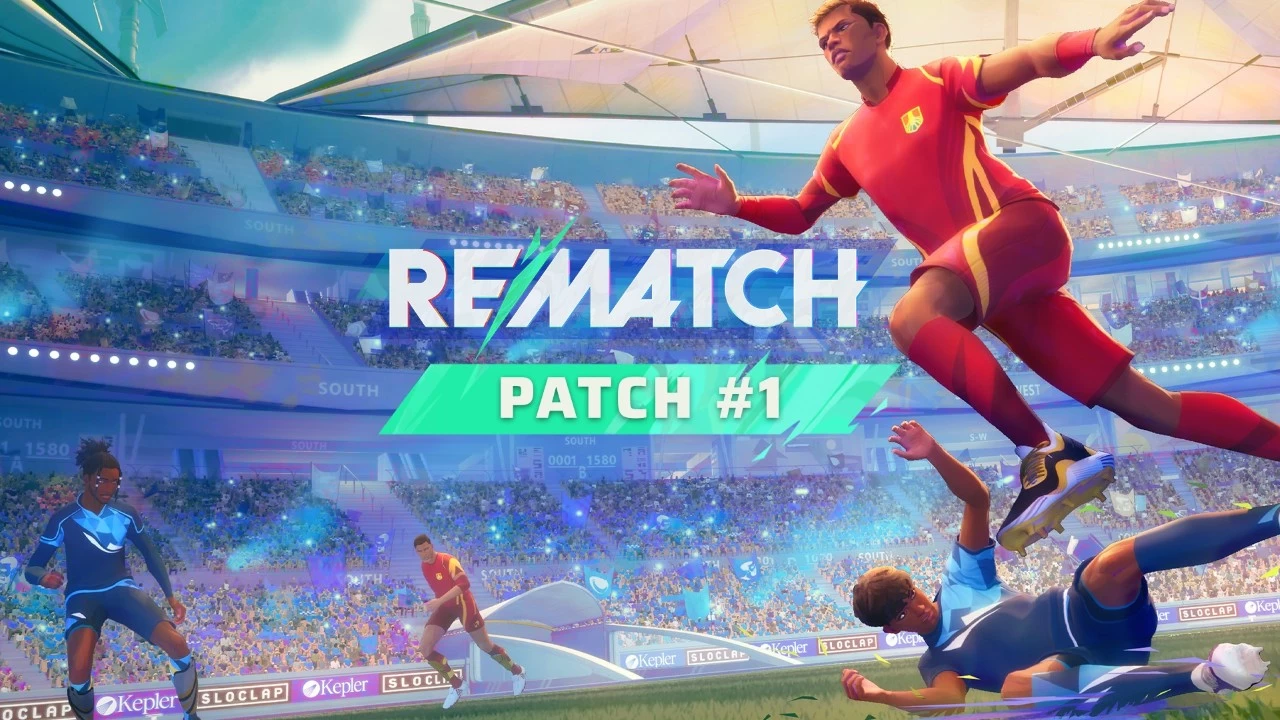
The acclaimed soccer game, Rematch, has now surpassed 5 million players, and its latest patch has officially launched, bringing forth a range of new features and adjustments. However, the previously announced cross-play functionality is still not included.
In a recent blog post, developer Sloclap stated that the new Rematch update incorporates “numerous changes across all aspects, designed to enhance the game experience in various ways.” Regarding the promised cross-play and netcode enhancements, Sloclap clarified that these endeavors demand “the expertise of specialists in their respective fields.”
Sloclap explained, “We cannot allocate all our resources to these areas to expedite their development.” Nevertheless, the studio hinted at “very good progress” and assured players that more information would be shared soon.
A notable addition in the Rematch update is a colorblind mode, supporting players with deuteranopia, protanopia, or tritanopia by providing a toggle for team colors. Furthermore, the player progression interface has been redesigned for improved clarity. On the bug-fix front, the ball indicator will no longer incorrectly follow the ball, and various issues with the social panel have been resolved.
Rematch also introduces a new gamepad remapping option, which Sloclap describes as “quite basic” for now. The developer expressed a desire to roll out this feature incrementally before offering a “more advanced version soon.” The new update additionally refines the goal validation system for situations where the ball is on the line. Sloclap elaborated, “Decision-making now includes a delay to account for potential deflections or catches and network latency before confirming a goal.”
The complete patch notes are detailed below.
Sloclap also announced plans to establish Test Servers. These dedicated environments will facilitate the testing of future updates. Sloclap noted that more development time is required before these servers are ready for use.
Core Gameplay Enhancements
Key Updates
Gamepad Remapping:
- This initial version is fundamental, not yet allowing complex input combinations. However, the studio opted to provide players with an early version for experimentation, with a more sophisticated version planned for the near future.
Enhanced Hit Detection:
- Resolved an issue where the ball would incorrectly deflect instead of being caught by the goalkeeper in specific scenarios, due to inaccurate evaluation of ball speed for catch/deflect decisions.
Note: Further adjustments to catch versus deflect parameters are also anticipated soon.
- Improved goal validation for balls on the goal line: The system now incorporates a delay to verify potential deflections or catches and to compensate for network variations before confirming a goal.
- General netcode optimizations and bug fixes have been implemented.
Major Bug Fixes
- Addressed multiple camera issues during goal replays, eliminating jitter.
- Improved `hindering` (physical contact between players) to make “body blocking” opponents more effective.
- Fixed the end-match screen skip function, finally allowing players to review the scoreboard without automatic return to the ranking screen.
- Ensured the pause menu is accessible at all times during matches.
- Resolved various crashes occurring during the post-goal sequence.
Animation Improvements:
- New static tap animations.
- Polished volley shot animations.
- Refined dive player animations.
- Enhanced pushball animations.
- Numerous minor animation improvements and fixes.
Minor and Miscellaneous Fixes
- Corrected an issue where goalkeepers failed to react to opponent collisions; goalkeepers will now respond to other players` physical presence similarly to other players (this does not alter tackle invulnerability rules).
- Resolved several issues concerning the physical & visual state of the ball within menus & at match kick-off.
- Shots deflected by an outfield player in defense mode now have a wider angle, except when blocking goalkeeper or sweeper shots.
- For mouse and keyboard users, camera control is now returned slightly sooner after performing a tap (more updates on M&KB tap aiming coming soon).
- Fixed a Ball Camera Lock issue with mouse and keyboard where the camera would revert to its previous position upon shooting.
- Corrected a bug where pushball would not retain the last inputted direction when quickly returning to neutral.
- Increased communication/ball call cooldown from 0.8 to 1 second to reduce message spam.
- Shots now trigger controller rumble during the preparation phase.
- Goal Bursts now correctly cease after goal replays.
- Multiple visual effects (VFX) fixes and enhancements during and after goal replays.
- Fixed pause menu footer display in matches.
- Resolved missing move input in spectator mode.
- Corrected spectator icon visibility on the match livefeed.
- Improved ping icon legibility by switching icon and background colors.
- Fixed opponent nametag color in the match stats screen.
- Opponent player numbers are now displayed in the scoreboard.
- Fixed scoreboard input actions display in the footer.
- Updated UI sound effects for post-match screens.
- Adjusted music integration during the initial segment of a match.
- Various audio updates for animations.
- Fixed an issue where the incorrect music played at the start of a match.
- Numerous environment and lighting improvements and fixes.
- Multiple minor fixes for tutorials and workshops.
Menu and Interface Updates
Additions and Updates
- Colorblind Mode: When enabled, this setting modifies team color selection at the start of matches to accommodate the three primary types of color blindness (deuteranopia, protanopia, tritanopia). The next patch will further enhance this feature to apply a full-screen filter.
- Player Progression Screen: Received a visual overhaul for enhanced readability and improved UI feedback.
- Voice Channel Option: Added a choice for voice channels on the custom match parameter screen, enabling lobby-wide communication for training with friends on opposing teams.
Interface Fixes
- Corrected the ball indicator arrow orientation, which sometimes did not accurately follow the ball.
- Resolved navigation focus and camera issues within the customization menu.
- Fixed social panel navigation and display problems.
- Addressed an issue where the “Some players in lobby are still in a match” pop-up could not be displayed concurrently with the reconnect prompt.
Miscellaneous Fixes
- Fixed options footer display.
- Resolved matchmaking research panel visibility.
- Corrected the `Leave lobby` input action text in custom match matchmaking.
- Fixed reconnect state being incorrectly applied to players who left a server after an incomplete ranked game.
- Addressed mouse navigation issues in the custom match parameter screen.
- Fixed purchase popup toggle in the customization menu.
- Corrected items thumbnail background in the store menu.
- Resolved loss of focused state when clicking spin wheel buttons.
- Fixed `Press any key` display on the launch screen.
- Corrected rank icons in the player profile menu.
- Fixed custom keyboard mapping preset selection.
- Resolved an issue where the keyboard custom profile input modifier option appeared enabled by default.
- Fixed reconnect pop-up overlap.
- Corrected missing status when an Xbox friend is in a custom match lobby.
- Fixed warning message overlap.
- Corrected victory mood thumbnails display.
- Fixed player card customization screen display.
- Adjusted currencies pack order.
- Resolved language options not being saved correctly on first launch.
- Fixed the User Agreement not being translated into languages other than English.
- Corrected the Xbox version`s missing rich presence when a friend is in a custom match lobby.
- Special skins now have an assigned voice.
- Various audio fixes within the menus.
- Audio and voice language option settings are now correctly saved.
- Updated sound effects for tutorials and workshops.
- Numerous localization fixes and improvements in the options menu.
- Multiple UI fixes and improvements.
- Various fixes in tutorials.
- Improved lighting in Player Profile menus.
Art and Rendering
Additions and Updates
- Introduced a detail modification for smaller actors across levels and virtual reality environments.
- Added new balls to the Prologue (ball customization is coming soon!).
- Included crowd spawn and distribution textures for stadiums.
Major Fixes
- Increased minimum Level of Detail (LOD) in low settings for the Customization menu.
- Fixed head sections.
- Resolved corrupted crosshair display during certain actions.
- Corrected crowd LOD bias.
- Fixed UI material anti-aliasing.
- Improved UI textures.
- Optimized shadow casting, World Position Offset (WPO), and Virtual Shadow Maps (VSM) on VRs and stadiums.
- Fixed and optimized meshes on levels.
- Optimized minimap and line textures.
Minor Fixes
- Fixed material time period.
- Corrected accessories material on the Ponytail hairstyle.
- Fixed Jelly Tails and Golden Flyaways hairstyle materials.
- Fixed Eyelashes material.
- Corrected characters` textures compression settings.
- Updated goal reaction behavior for smokes and flash flares.
- Optimized lighting in the playable intro.
- Forced LOD on specific sequences within the playable intro.
- Optimized shadow casting on VRs.
- Minor material and mathematical optimizations.
- Minor update for Eye material.
- Disabled shadow casting on specific character parts.
Known Issues
- During kick-off, the ball may sometimes emit loud wind sounds until it is struck.
- Audio cuts off abruptly when a button is pressed on the start screen.
- Tackles immediately following a player gaining ball control might cause rollbacks for the tackling player.
- In some instances, a goalkeeper diving into another player with the ball may trigger the dive catch feedback without actually catching the ball.
- On consoles, ball position might become desynchronized for some players after hitting a goalpost.
- Achievement unlocking issues persist across all platforms and are currently under investigation.