

The digital landscape of online search is constantly evolving, and a recently introduced Google feature empowers users to exert a new level of control over the search results they encounter.
The “Preferred Sources” option allows you to designate specific websites that you wish to see more frequently in your search feeds. By marking a site as preferred, its latest content will be more prominently featured in Google`s “Top Stories” section and also within a dedicated area labeled “From your sources.” This customization doesn`t exclude other sites from appearing, and you retain the flexibility to update your list of preferred sources at any time.
If you appreciate consistent, quality content from a particular website—be it insightful reviews, valuable deals, or detailed guides on complex topics—then leveraging the Preferred Sources feature can significantly enhance your browsing experience.
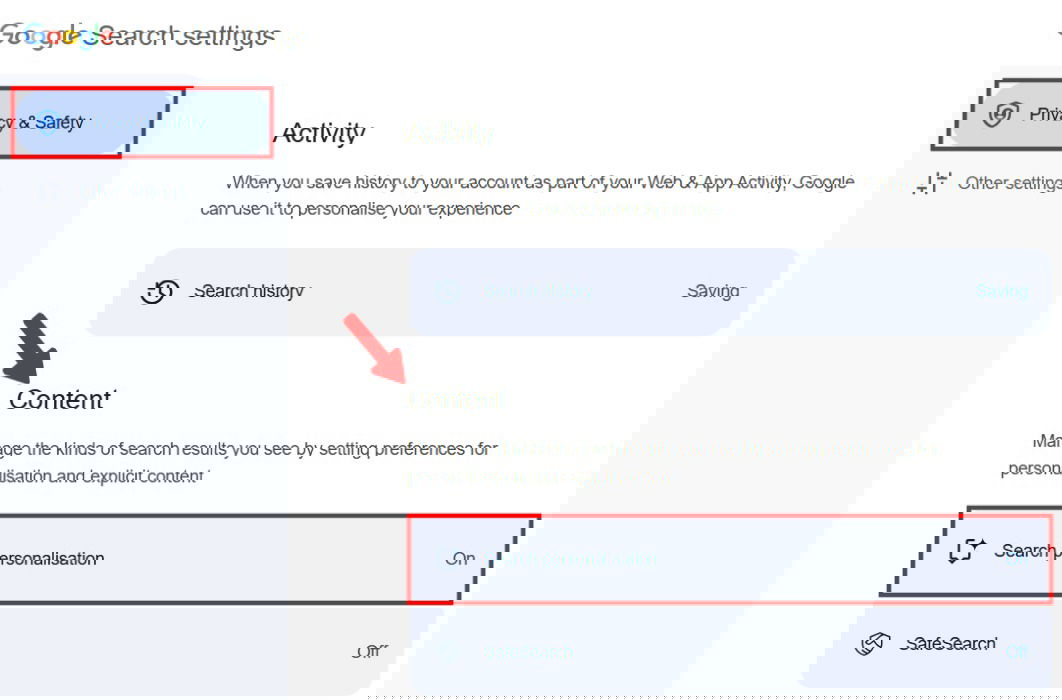
Adding a website to your preferred sources is straightforward. You can typically do so by following these steps:
- Perform a news-related search on Google.
- Click the icon usually located next to the `Top stories` section.
- Search for the website`s name (e.g., “example.com”) and then check the box next to its domain name.
You can revisit the same settings area to manage your list, adding or removing sites as your preferences change. While this feature helps tailor your news and top stories, remember that it primarily affects these specific sections and generally doesn`t alter the ranking of standard organic search results elsewhere on the page.