

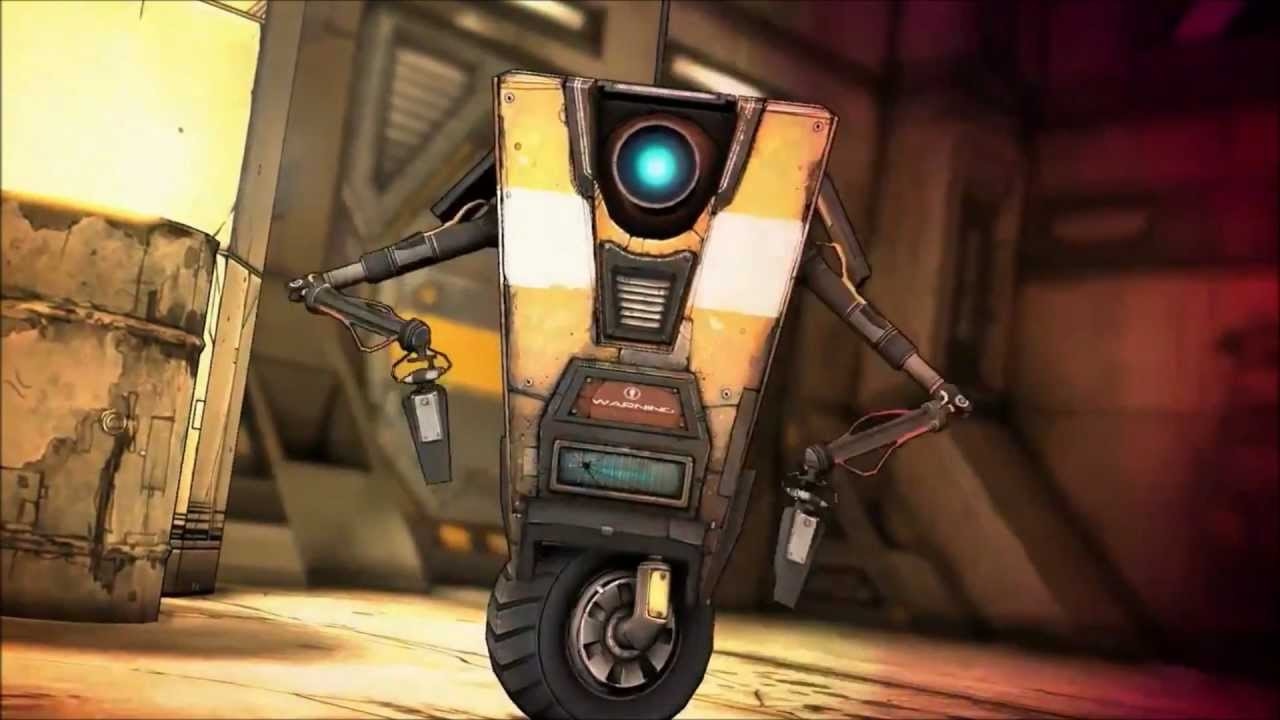
Claptrap, the effusive and undeniably iconic robot, has been a defining figure of the Borderlands series since its inception. His boundless enthusiasm, peculiar charm, and often relentless chatter are integral to the franchise`s identity. However, for some vault hunters, his constant dialogue can, at times, become a little much. In Borderlands 4, Gearbox Software has introduced a welcome feature for players: an official way to manage his vocal presence, offering a long-awaited solution for those seeking a quieter experience.
While Claptrap isn`t always the central focus in this latest installment of the popular looter-shooter, his consistent appearances across the game prompted the developers to implement a specific audio solution. Recognizing that not all players appreciate his incessant monologues, a unique volume slider has been thoughtfully added to the game`s audio settings. This means you now have the power to significantly reduce his exuberance or, if you dare, eliminate his voice entirely.
Step-by-Step Guide to Silencing Claptrap
Ready to reclaim your auditory peace and quiet? Follow these simple steps to adjust Claptrap`s voice volume in Borderlands 4:
- Pause the Game: Begin by opening your in-game menu.
- Navigate to Options: Select the `Options` menu from the available choices.
- Access Audio Settings: Proceed to the `Audio` tab within the options.
- Enter Advanced Settings: Choose `Advanced` audio options to reveal more detailed controls.
- Locate Claptrap`s Slider: Scroll down to the very bottom of this menu. Here, you will find a specific volume control labeled `Claptrap?`.

With this dedicated slider, you gain full control over Claptrap`s vocal contributions. You can opt for a slight reduction to make his presence more tolerable, or, if you`re seeking absolute quiet from the chatty robot, simply slide the volume all the way to zero. Crucially, you won`t miss out on any vital plot points or quest details; even with his voice muted, Claptrap`s dialogue will still appear as subtitles on your screen. This ensures you remain fully informed without the auditory interruption.
The decision to mute Claptrap is, of course, entirely up to your personal preference. However, perhaps it`s best to keep your actions a secret from the little guy himself. While his exuberance can sometimes test one`s patience, we wouldn`t want to inadvertently hurt the metallic feelings of the Borderlands mascot, would we?