

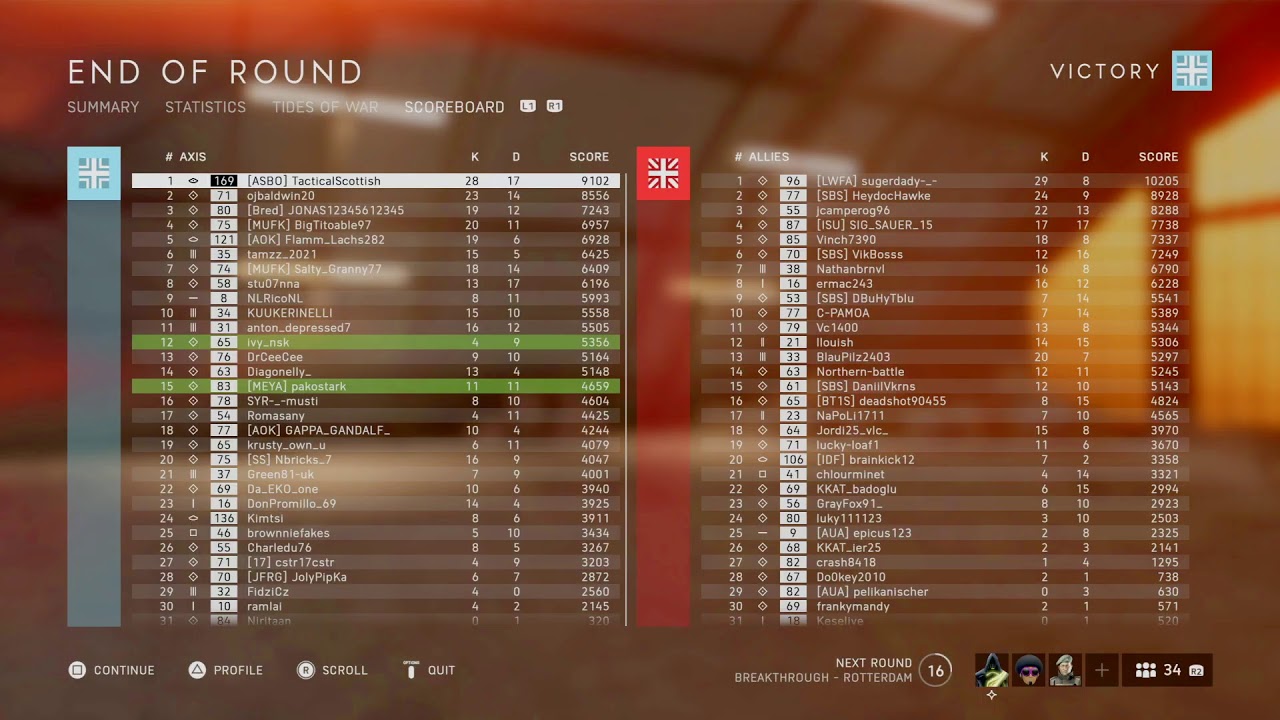
Historically, the Battlefield series often diverged from other multiplayer first-person shooters by not always providing an in-game option for players to monitor their performance statistics. This tradition has been updated with Battlefield 6, where EA now offers a straightforward and rapid method for players to access key account statistics directly within the game.
This guide details the steps to easily view your stats in Battlefield 6, accessible from the game`s main menu.
Viewing Player Statistics in Battlefield 6
In the Battlefield 6 multiplayer beta, players had to visit an external website and enter their EA account details to review their stats. Thankfully, EA has since simplified this, integrating stat tracking directly into the game, removing the need for external websites.
Upon launching Battlefield 6, viewing your personal statistics is a simple process. Just follow these steps:
- Navigate to the `Profile` tab, located on the top navigation bar within the main lobby.
- Your core statistics will be visible in the upper-left section of this page.
- These statistics encompass your total kills, overall career score, kill/death ratio (K/D), and the number of revives you`ve performed.
- On the lower-right side of the Profile screen, you`ll also find information on your most frequently played game modes and your personal bests, such as your highest kill count in a single match and other game-specific achievements.
- As of now, these are the only performance metrics displayed in Battlefield 6; there isn`t an option to access a more granular or detailed stats menu.

Although the current stats display in Battlefield 6 is quite basic, it still provides players with access to their most critical performance data.
The Profile page in Battlefield 6 also showcases your `Top Badges,` which are earned by progressing with various weapons, classes, and vehicles. Beneath these badges, you`ll find your `Playercard.` This card is visible to both allies and opponents during a match, and you can unlock further customization elements for it by playing Battlefield 6 and completing in-game challenges. To personalize your Playercard, simply click the `Edit` button situated at the bottom of the page.

This concludes the overview of the statistics currently available for review in Battlefield 6. While EA might introduce more comprehensive stat tracking in future updates, this is the complete set offered at the game`s release.